

How metrics work
After each simulated conversation completes, an LLM judge reviews the full conversation transcript and evaluates it against each metric you have defined for the simulation. For every metric, the judge assigns a binary pass or fail result based on your evaluation instructions. This means your evaluation instructions should be written clearly enough for an LLM to make a definitive yes/no decision about whether the criteria were met.Quickstart
Create a new metric
From the sidebar, click Metrics to view your existing metrics. Click Add metric to create a new metric.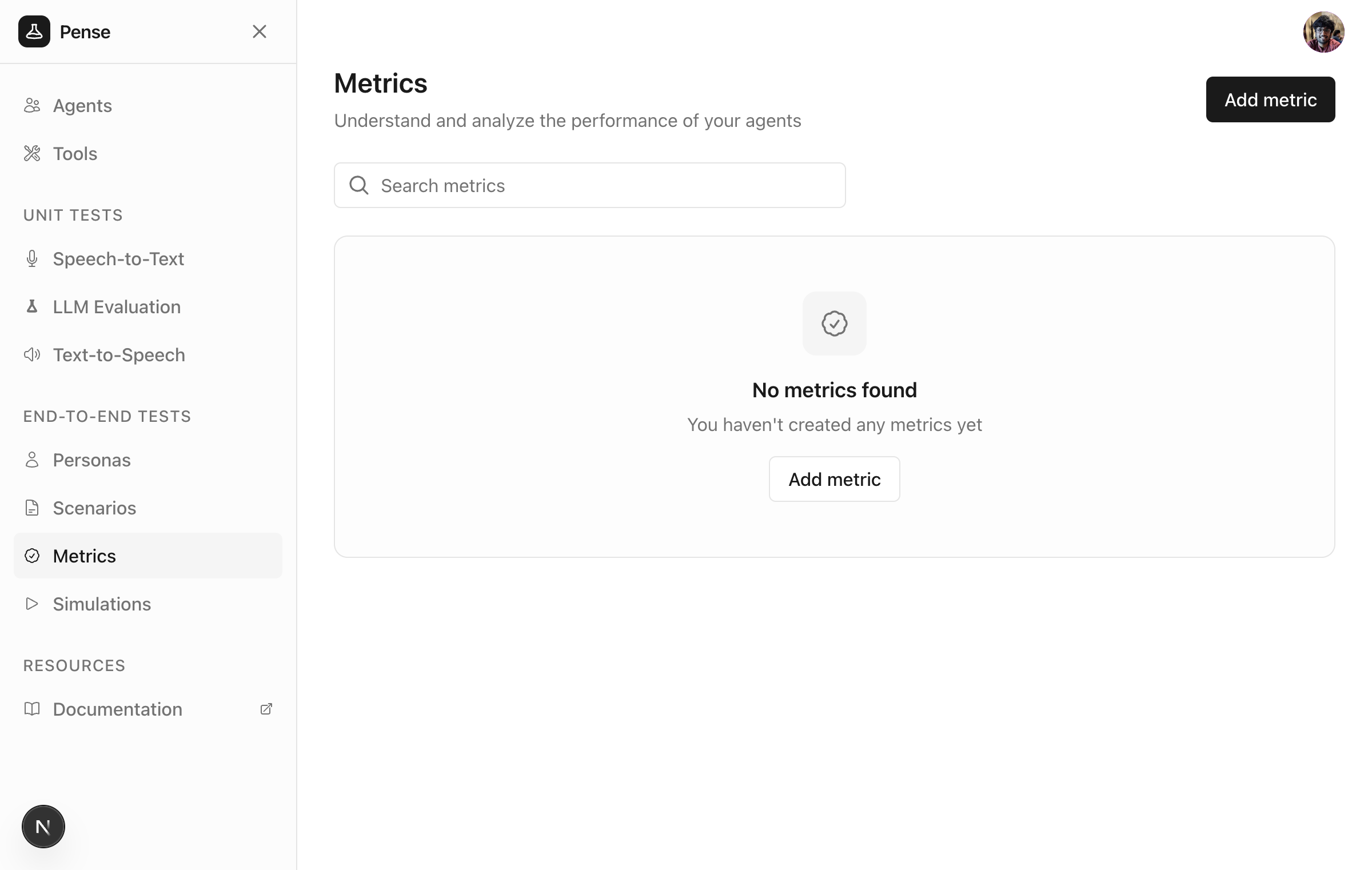
Add the name and evaluation instructions
Give a meaningful name to the metric (e.g.Data collection success) and define how to evaluate success.
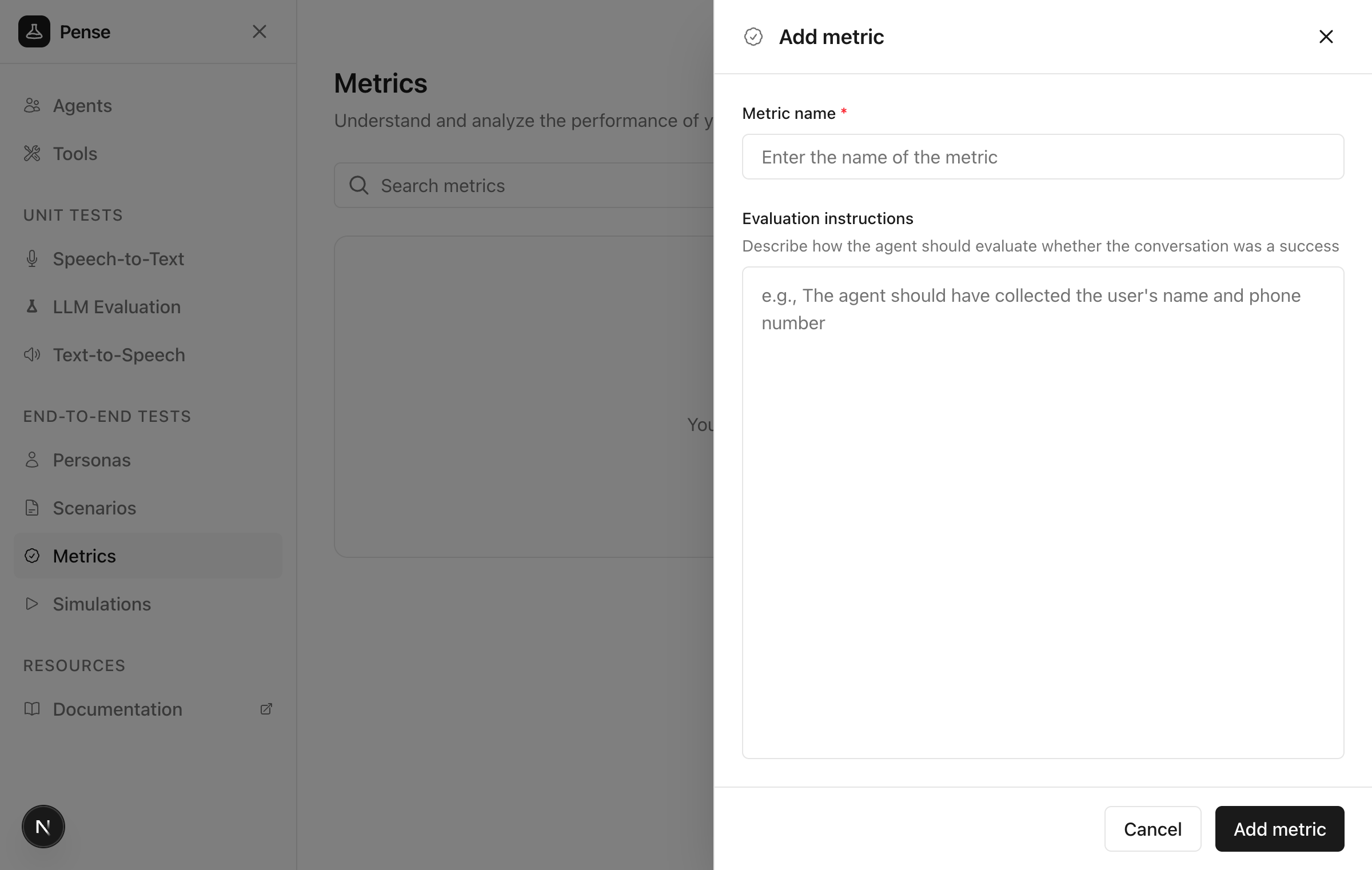
Guidelines for evaluation instructions
Define clear, measurable criteria that an LLM can evaluate with a yes/no answer:- Success conditions: what must happen for the metric to pass?
- Failure conditions: what indicates failure?
- Edge cases: any special considerations?
Save the metric
Click Add metric to create the metric.Best practices
Metrics vs personas vs scenarios
Example metrics
Data collection success
Issue resolution
Appointment booking
Next steps
Create personas
Define who your simulated users are
Create scenarios
Define what your simulated users should do