

WHO the simulated user is and HOW they behave during conversations.
Quickstart
Create a new persona
From the sidebar, click Personas to view your existing personas. Click Add persona to create a new persona.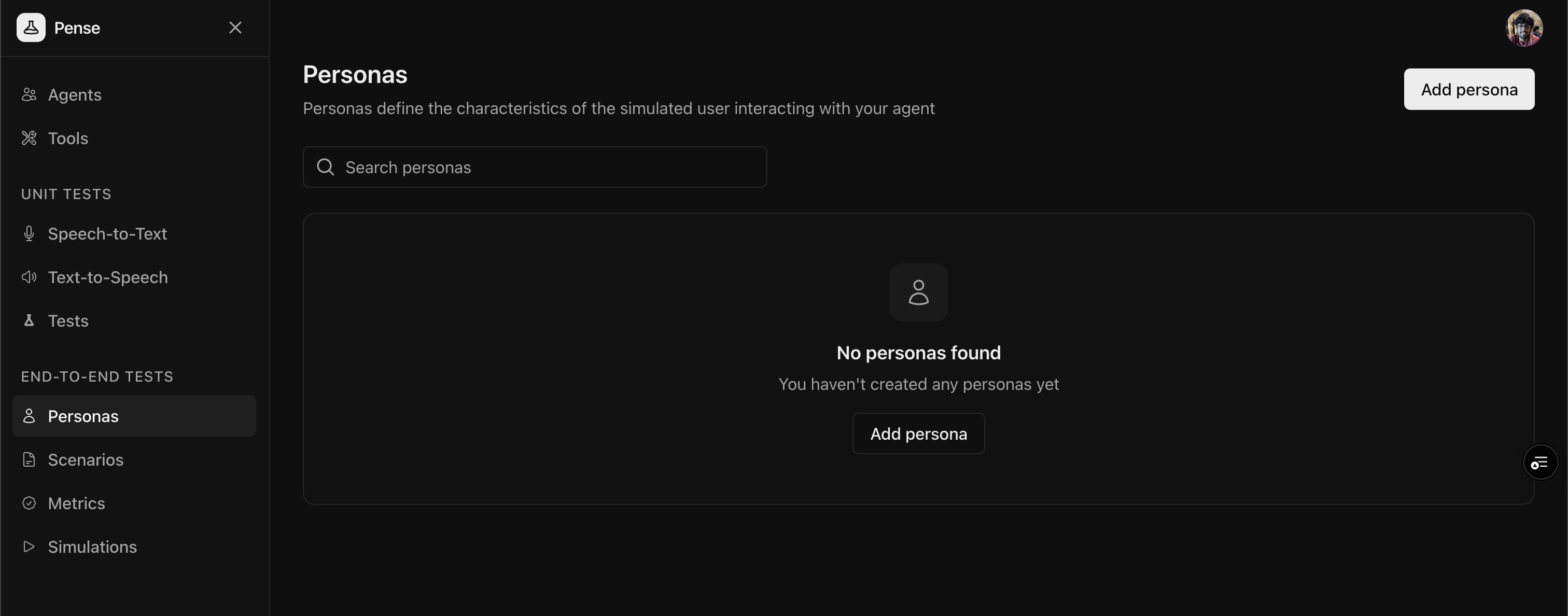
Add the label and characteristics
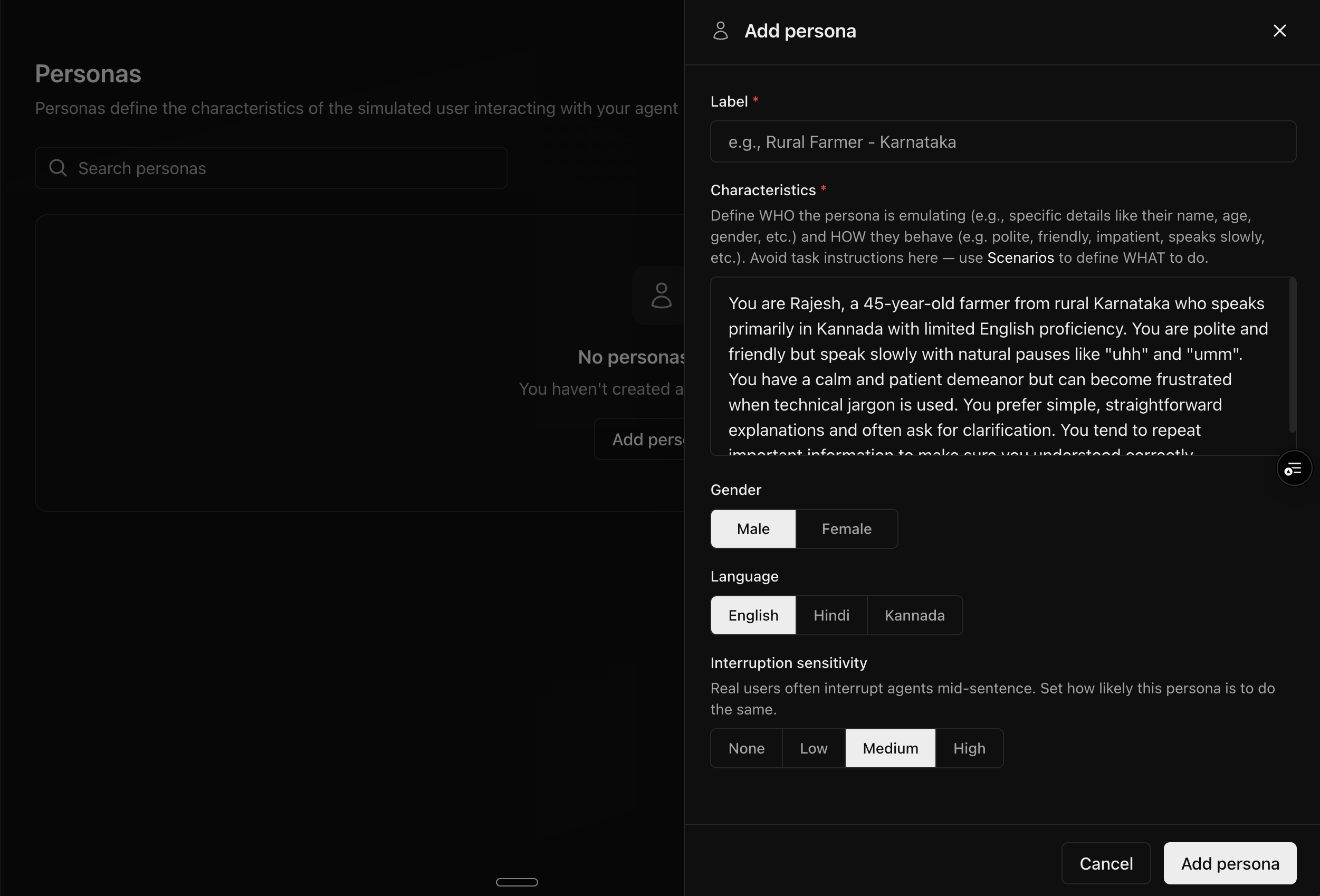
shy, pregnant mother in her third trimester) and define its characteristics.
Guidelines for defining characteristics
Define two key aspects:-
WHO: Specific details about the persona
- Name, age, occupation
- Location, background
- Language proficiency
- Any other relevant details required for your agent simulation
-
HOW: Behavioral traits
- Communication style (polite, impatient, formal)
- Speech patterns (slow, uses filler words)
- Temperament (calm, easily frustrated)
Avoid including task instructions in characteristics. Use
Scenarios to define WHAT the persona should
do.
Configure voice settings
Select the gender and language for the persona.Define interruption sensitivity
Real users often interrupt agents mid-sentence. Configure how likely this persona is to interrupt:Save the persona
Click Add persona to create the persona.Best practices
Creating realistic personas
- Be specific: Include concrete details (name, age, occupation, etc.)
- Define communication style: How do they speak? Fast, slow, formal, casual?
- Include limitations: Language proficiency, technical knowledge, etc.
- Add emotional traits: Patient, impatient, friendly, formal
Personas vs scenarios
Next steps
Create Scenarios
Define what your personas should do in simulations
Run Simulations
Test your agent with combinations of personas and scenarios