

WHAT the simulated user should do during the conversation.
Quickstart
Create a new scenario
From the sidebar, click Scenarios to view your existing scenarios. Click Add scenario to create a new scenario.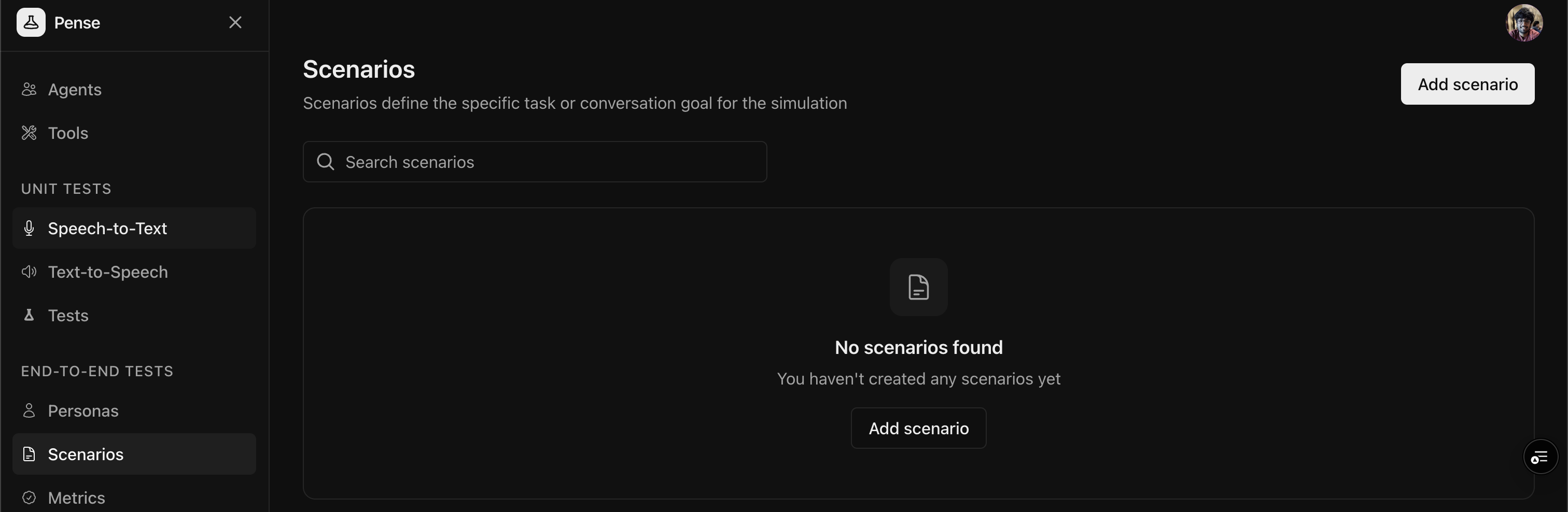
Add the label and description
Give a meaningful label to the scenario (e.g.crop insurance inquiry) and define the task or goal clearly.
Avoid defining personality traits in scenarios. Use
Personas to define
HOW the simulated user
behaves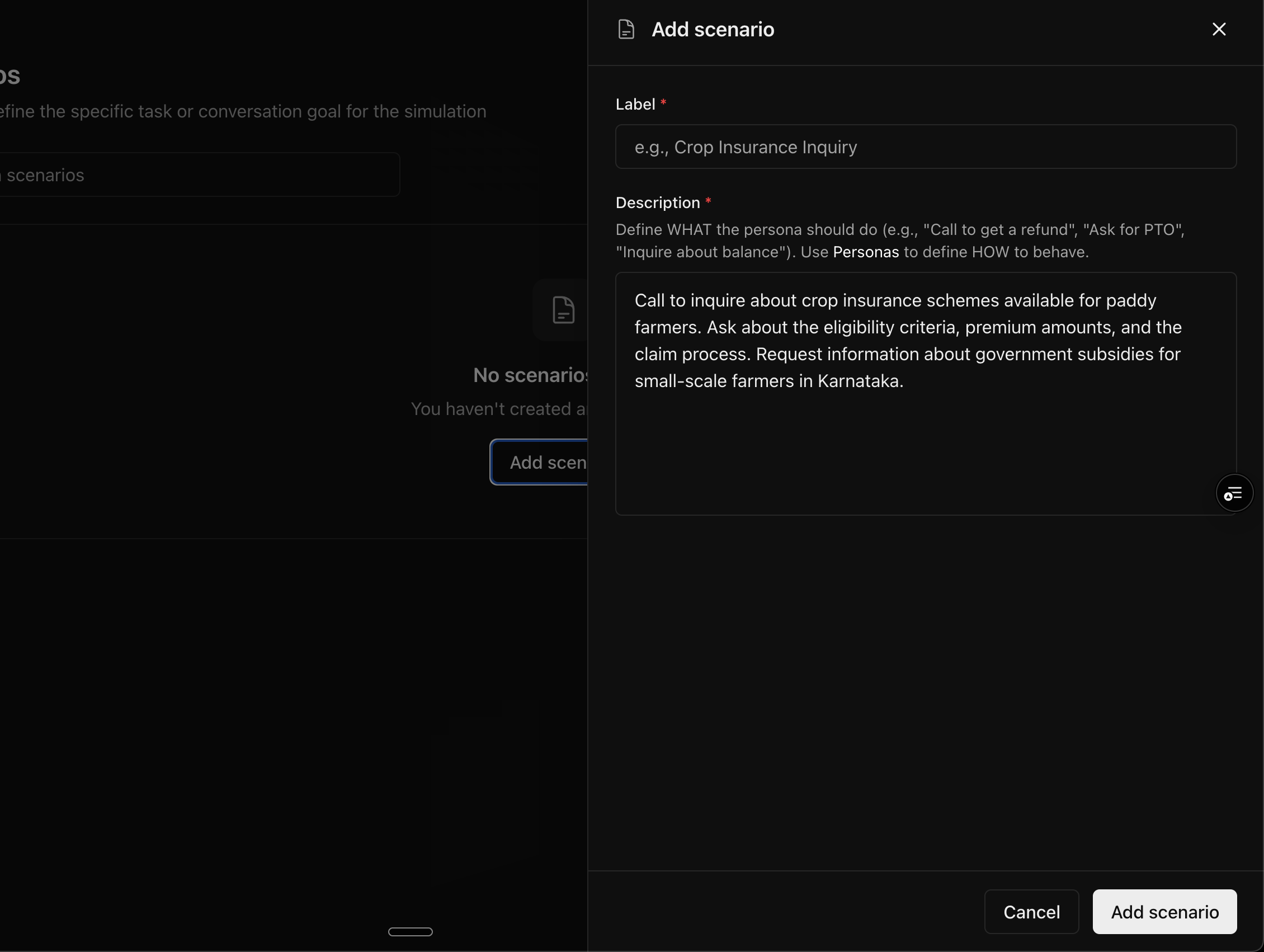
Save the scenario
Click Add scenario to create the scenario.Best practices
Writing effective scenarios
- Be specific: Include concrete details (order numbers, dates, amounts)
- Set clear objectives: What should the user aim to achieve?
- Include conversation flow hints: What questions should they ask?
- Add realistic context: Why is the user calling?
Scenarios vs personas
Scenario complexity levels
Next steps
Create Personas
Define who your simulated users are and how they behave
Run Simulations
Test your agent with combinations of personas and scenarios